
AudioVision Studio | Early-Access
----
DISCLAIMER: This tool is in early-access, and I'm developing it, thanks for supporting this!
----
AudioVision Studio
Professional Audio Visualization & Analysis Platform
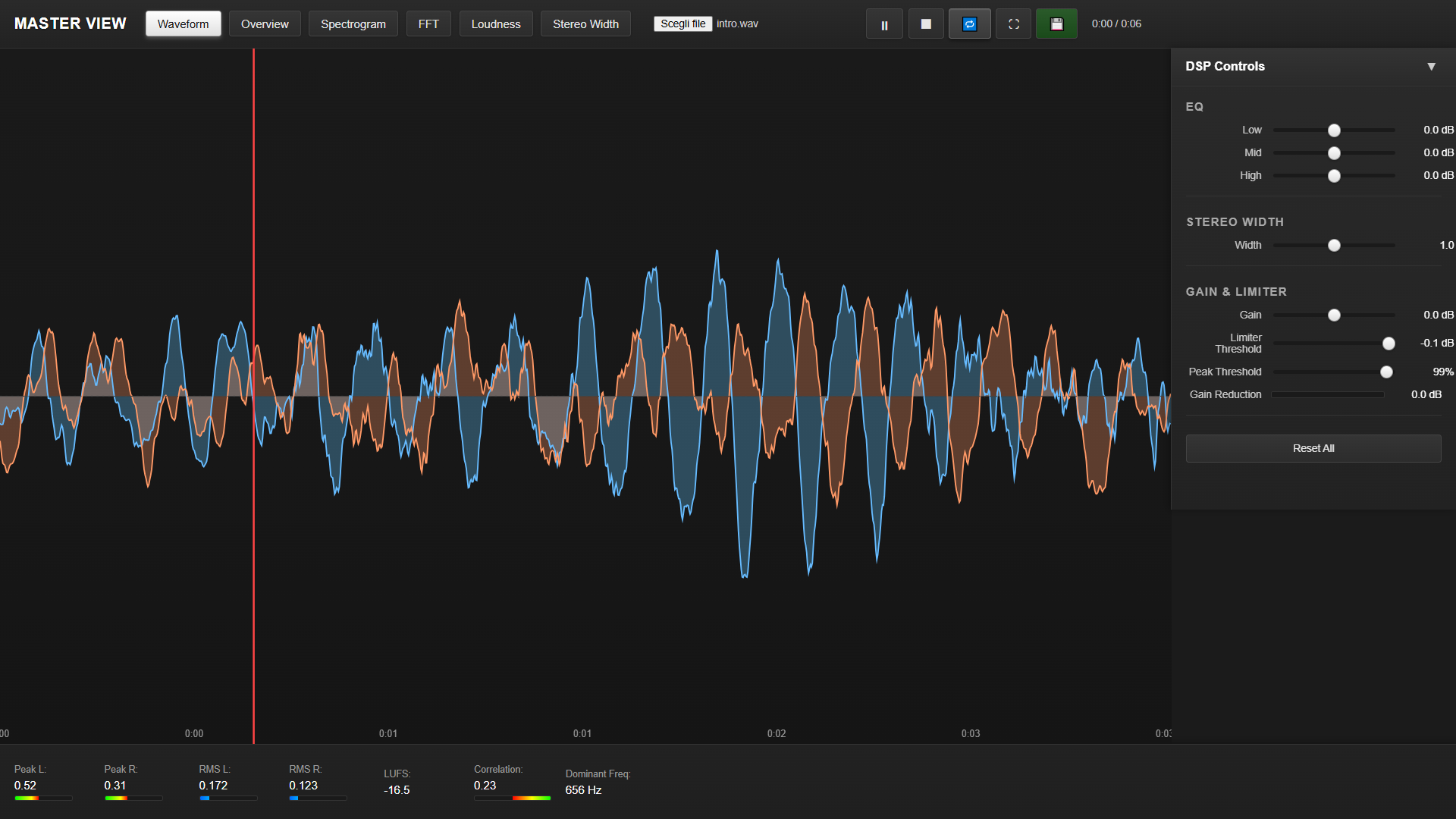
AudioVision Studio is a desktop application for audio analysis, visualization, and light processing. It combines real-time visualizations, professional metering, and DSP tools in a single, focused interface.
Overview
AudioVision Studio brings together visualization, analysis, and processing for audio professionals and advanced producers. Built with Web Audio API and Electron, it delivers real-time performance and a modern, distraction-free interface.
Core Features
15+ Visualization Modes
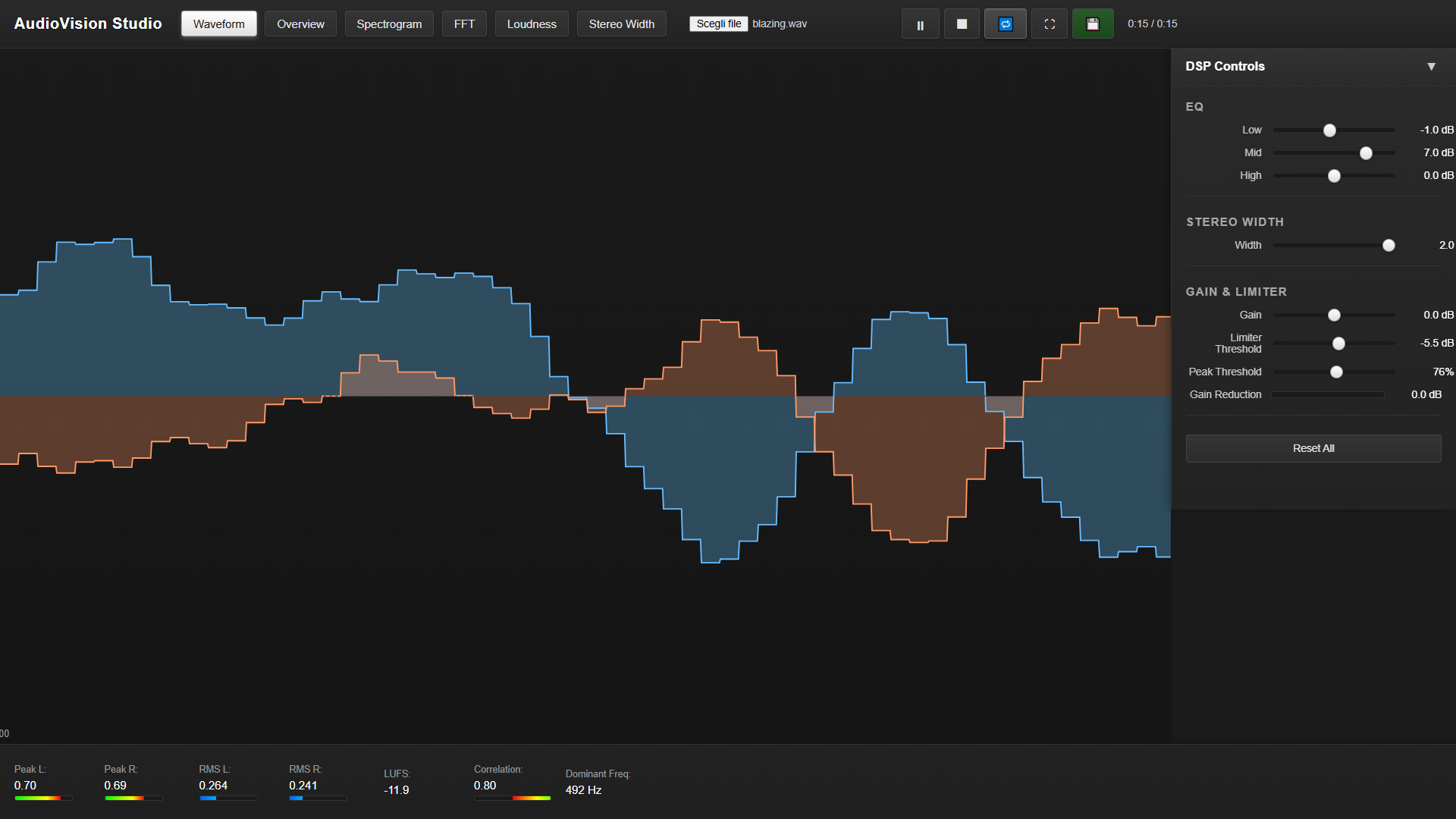
- Waveform – Amplitude over time with separate L/R channels
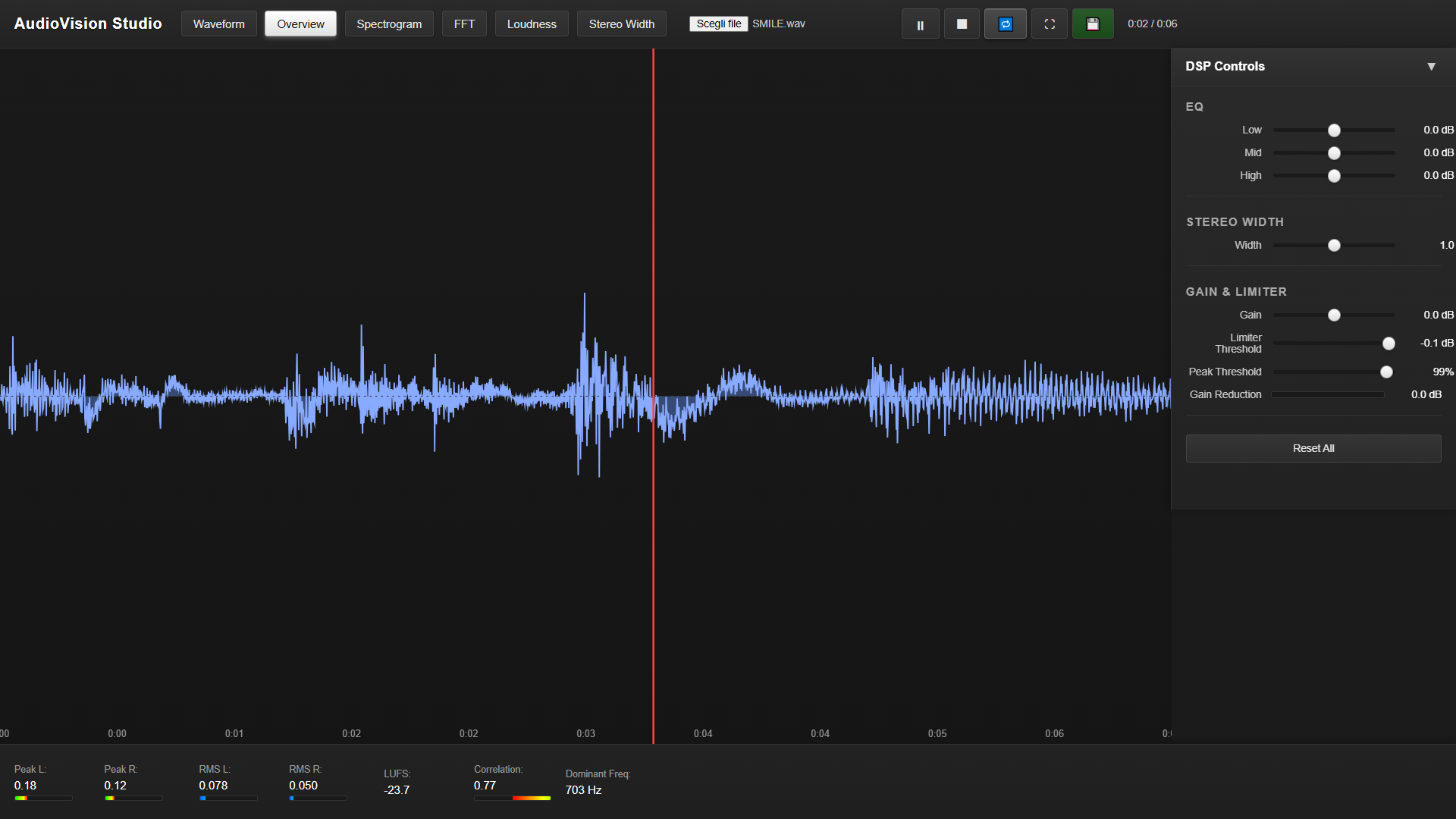
- Overview – Full-track waveform with RMS and peak envelopes
- Spectrogram – Logarithmic frequency heat map
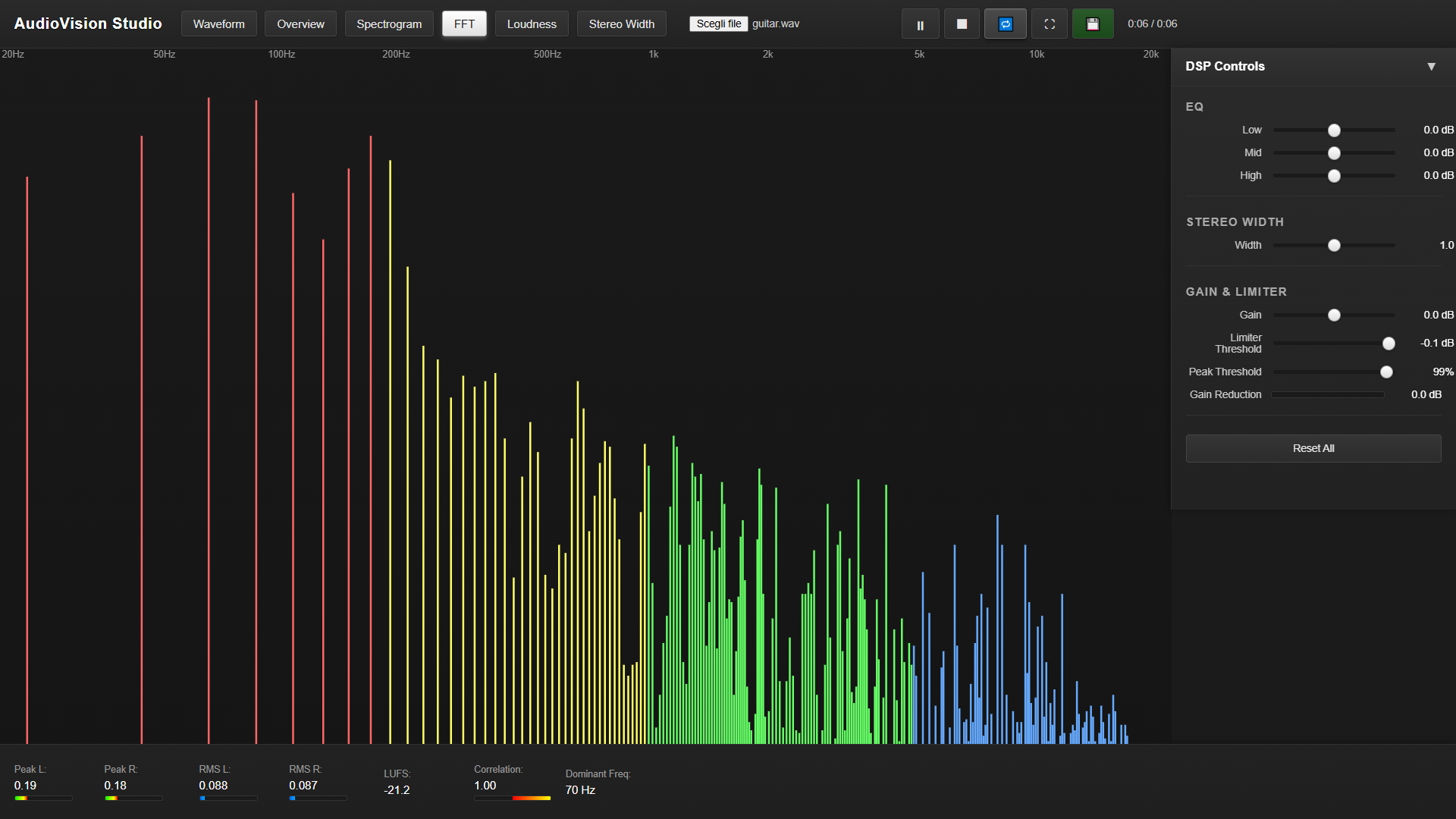
- FFT Analyzer – Real-time frequency spectrum with logarithmic scaling
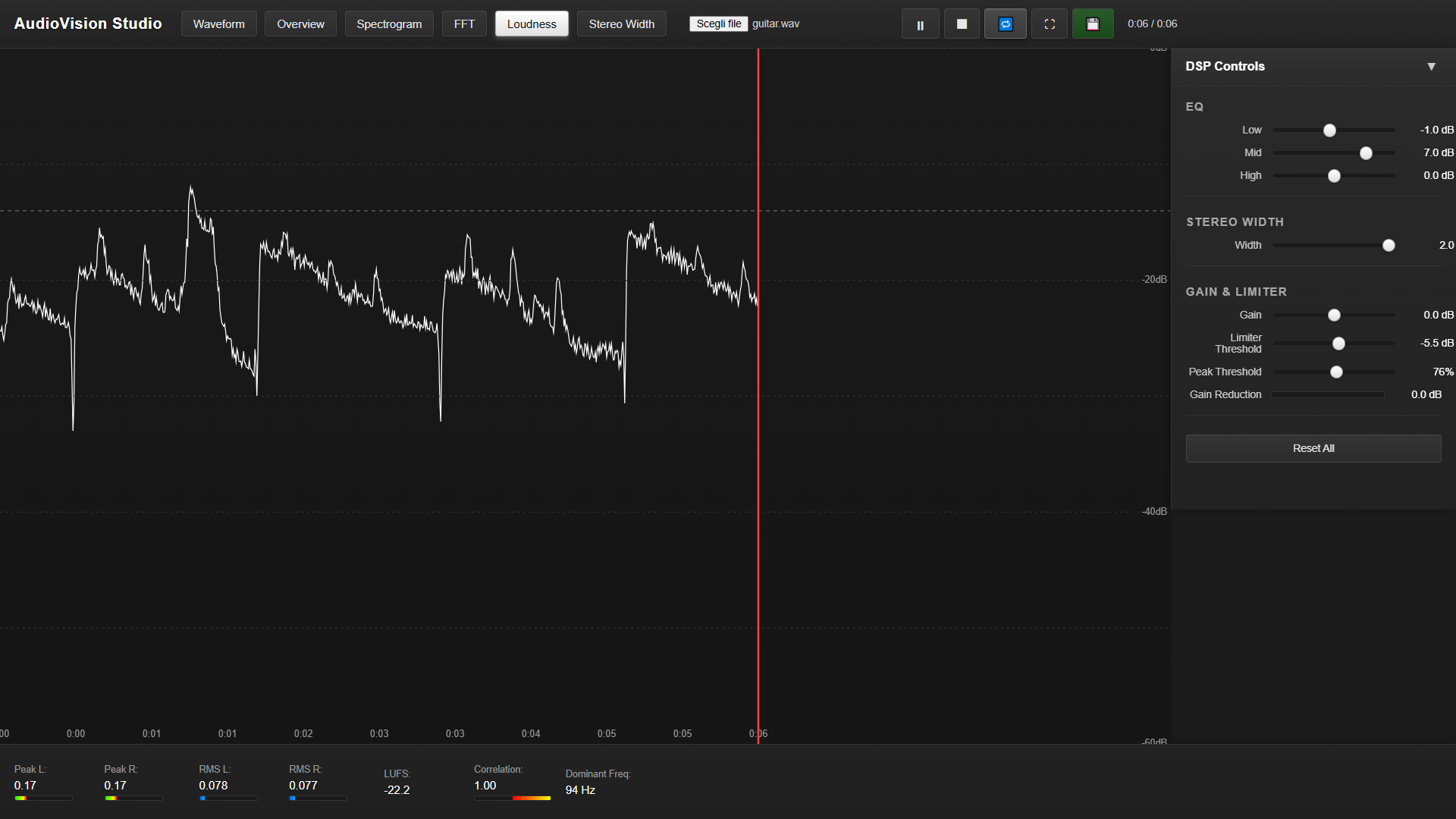
- Loudness Timeline – BS.1770-compliant LUFS (momentary, short-term, integrated)
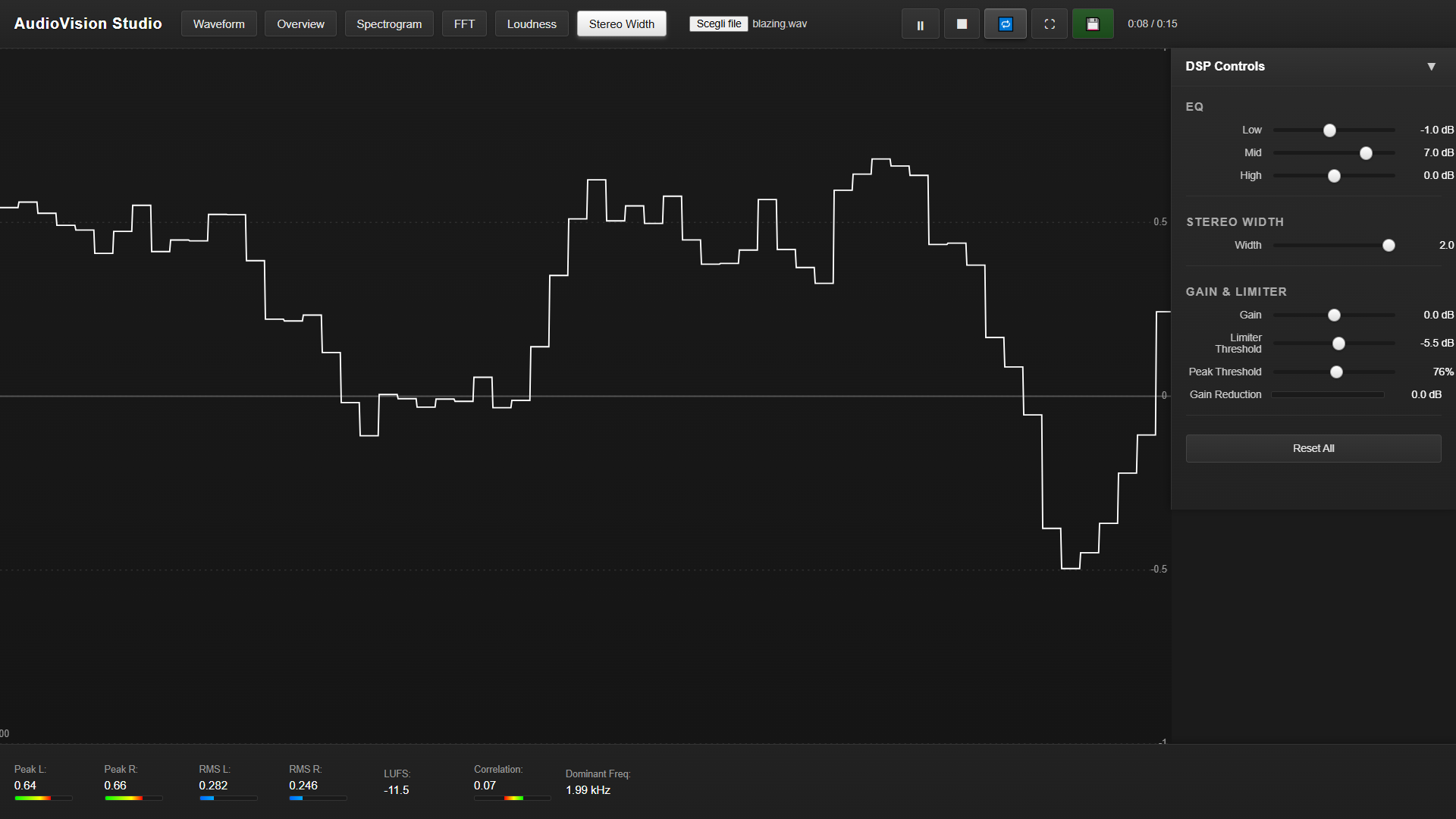
- Stereo Width – L/R correlation over time
- Mid/Side Analyzer – Separate mid and side channel analysis
- Harmonic Analyzer – FFT with fundamental and harmonic markers
- Transient Detection – Transient event mapping
- Crest Factor Timeline – Peak-to-RMS ratio over time
- Dynamic Range Analyzer – Per-band analysis (Sub / Low / Mid / High)
- Goniometer – Polar stereo scope for phase relationships
- Chromagram – Musical pitch class visualization (12 chromatic notes)
- Modulation Spectrogram – Amplitude and frequency modulation analysis
- Formant Tracker – Vocal formants (F1, F2, F3) for vowel analysis
Professional Metering Suite
- True Peak Detection – Oversampled peak detection (L/R)
- K-System Metering – K-12, K-14, K-20 with adjustable ballistics
- Peak Hold – Decay-based peak hold meters
- RMS Hold – RMS hold meters
- LUFS Display – Momentary, short-term, and integrated LUFS
- Phase Correlation Meter – Visual stereo correlation indicator
- VU Meters – Classic VU meters with adjustable ballistics
- Dominant Frequency – Real-time dominant frequency readout
DSP Processing Module
- Parametric EQ – 3-band with adjustable frequencies and Q:
- Low shelf (adjustable frequency)
- Mid peaking (adjustable frequency and Q)
- High shelf (adjustable frequency)
- Stereo Width Control – Adjustable stereo field width
- Gain Control – Precise gain adjustment
- Limiter – Peak limiter with threshold control
- Visual Feedback – Real-time EQ curve and gain reduction graphs
Advanced Analysis Tools
- Time Selection – Click-and-drag region selection with detailed analysis
- Freeze Mode – Pause visualization and playback for close inspection
- Cursor Readouts – Real-time time, frequency, and amplitude at cursor
- Region Analysis – Detailed metrics for selected time regions
- Export Functionality – Export processed audio with DSP settings applied
User Experience
- Custom Window Controls – Minimize, maximize, and close buttons matching the app theme
- Keyboard Shortcuts – Quick access (1–0 for visualizations, Space for play/pause, etc.)
- Enhanced Tooltips – Contextual help for all controls
- Info Panels – Detailed information for each visualization mode
- Contextual Tips – Dynamic tips based on the current view
- Metric Detail Modals – Click any metric for expanded detail
- Visualization Legends – Color scales and axis labels
- Fullscreen Mode – Maximize visualization area
- Splash Screen – Professional loading screen with progress indicator
Technical Excellence
- BS.1770 Compliance – Industry-standard LUFS calculation with K-weighting
- AudioWorklet Processing – Low-latency background audio analysis
- High-Resolution Rendering – Retina / 4K support with device pixel ratio scaling
- Smooth Zoom & Pan – Infinite zoom with fluid navigation
- Real-Time Performance – Optimized rendering for smooth operation
- Error Logging – Built-in error tracking and export functionality
Use Cases
- Mastering Engineers – Verify loudness compliance, check transient behavior, analyze stereo field
- Mixing Engineers – Identify frequency masking, detect resonances, balance the stereo image
- Sound Designers – Analyze textures, noise profiles, and spectral evolution
- Audio Researchers – Time-frequency analysis, dynamic range studies, modulation analysis
- Producers – Validate mix balance, check for clipping, analyze harmonic content
- Vocal Engineers – Formant tracking, pitch analysis, vocal processing insights
System Requirements
- Platform: Windows (x64)
- Minimum: Modern processor, 4 GB RAM, DirectX 11 compatible graphics
- Recommended: Multi-core processor, 8 GB+ RAM, dedicated graphics card
Technical Specifications
- Audio Formats: WAV, MP3, FLAC, OGG, and more (via Web Audio API)
- Sample Rate Support: Up to 192 kHz
- Bit Depth: 16-bit, 24-bit, 32-bit float
- Channel Support: Stereo (L/R)
- Processing: Real-time DSP with visual feedback
- Analysis: BS.1770-compliant loudness, True Peak, K-System metering
Why AudioVision Studio?
AudioVision Studio combines the depth of professional analyzers with an intuitive, modern interface. Whether you are mastering a track, analyzing a mix, or researching audio characteristics, it provides the tools you need to see exactly what is happening inside your audio.
Perfect for professionals who demand:
- Accurate, real-time analysis
- Multiple visualization perspectives
- Industry-standard metering
- Integrated DSP processing
- A clean, professional interface
AudioVision Studio — See your audio in a new light.
© 2025 TekEngine Audio Tools. All rights reserved.
Purchase
In order to download this tool you must purchase it at or above the minimum price of $11.99 USD. You will get access to the following files:
Leave a comment
Log in with itch.io to leave a comment.